Work's Showcase
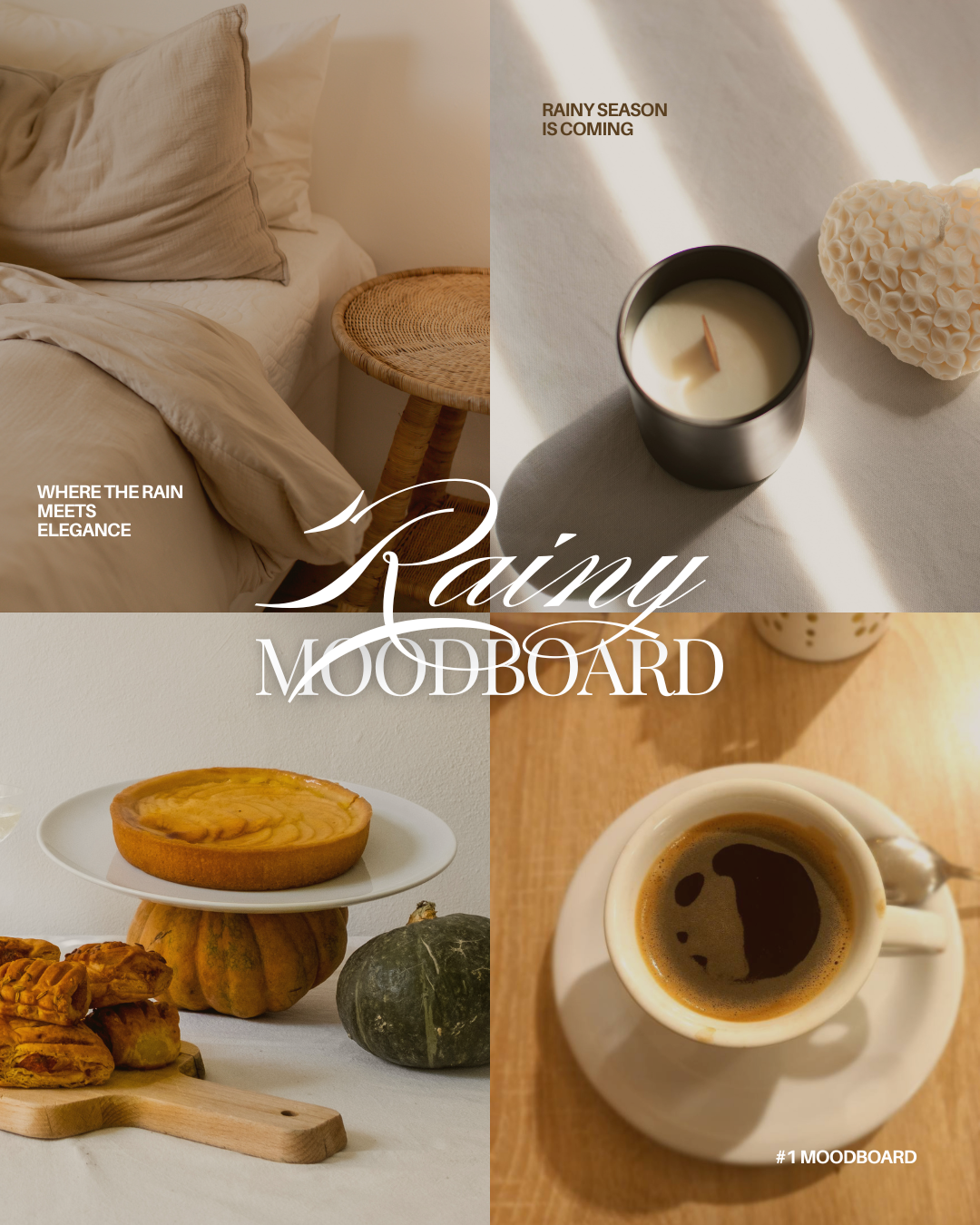
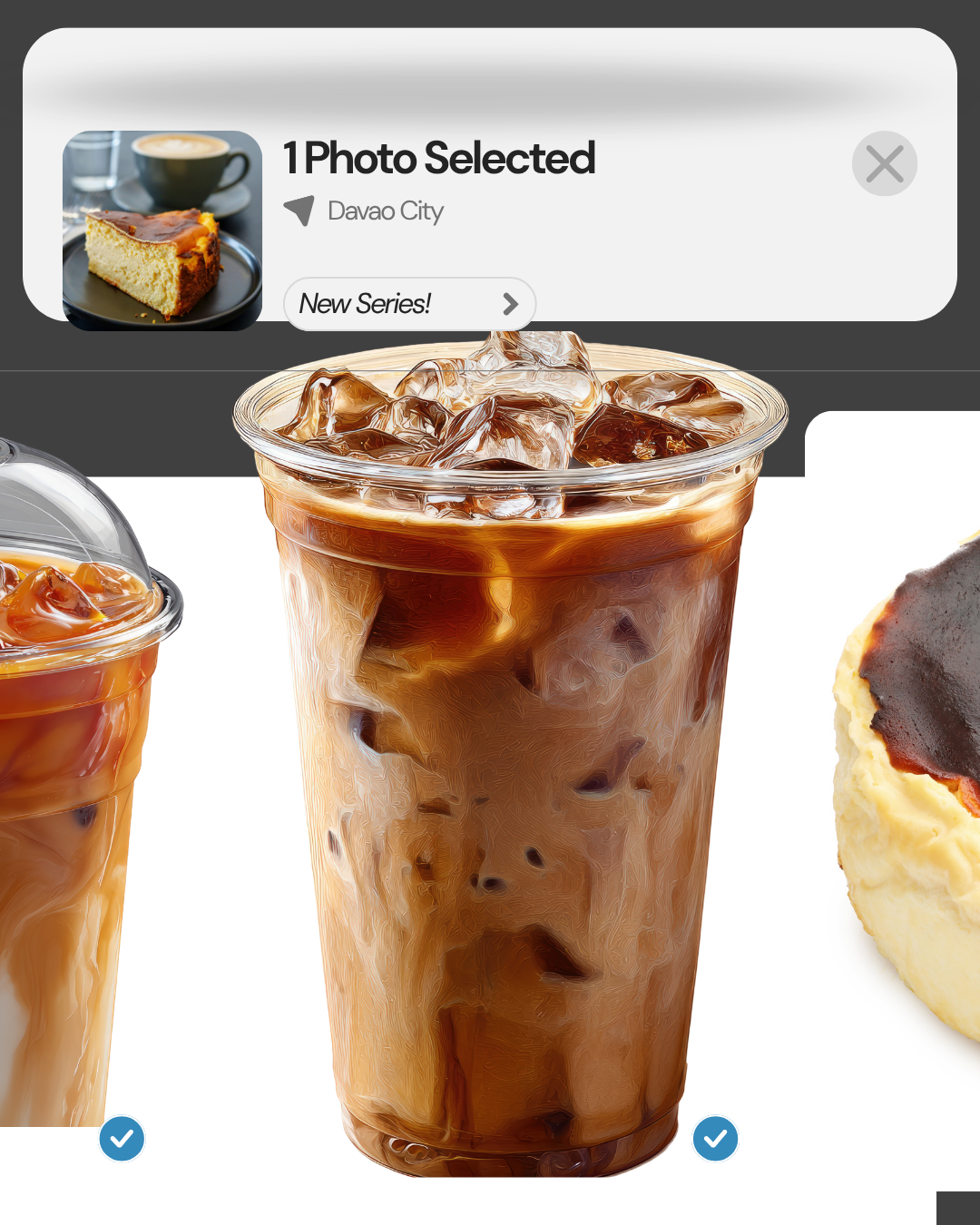
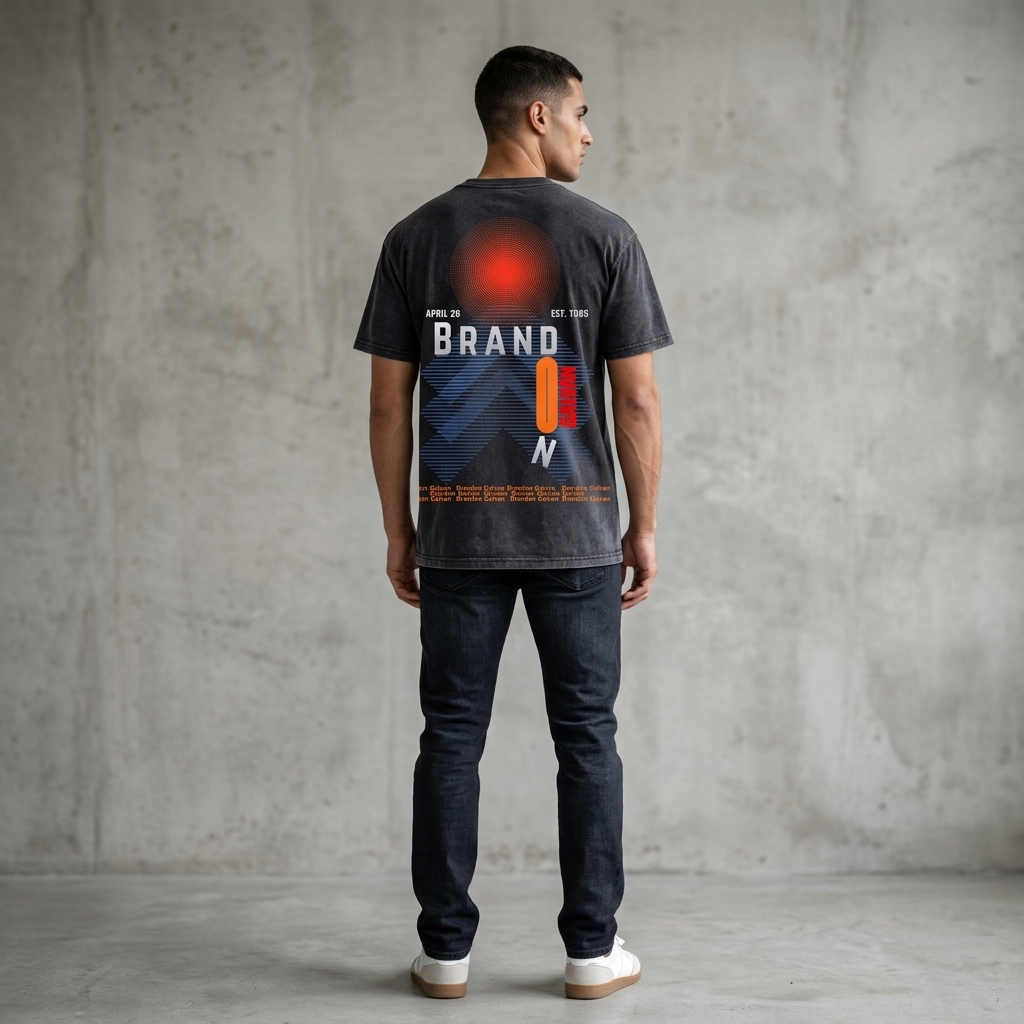
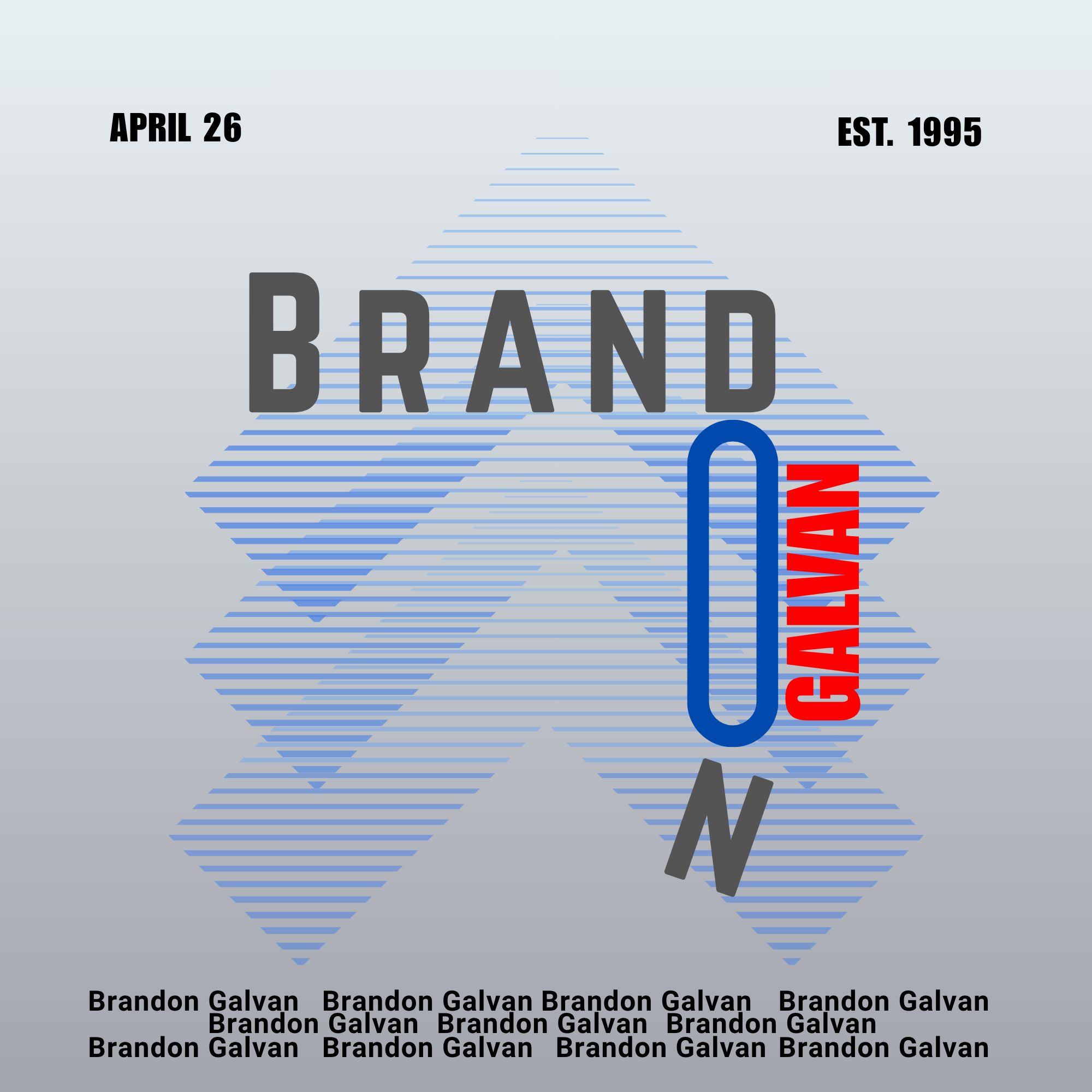
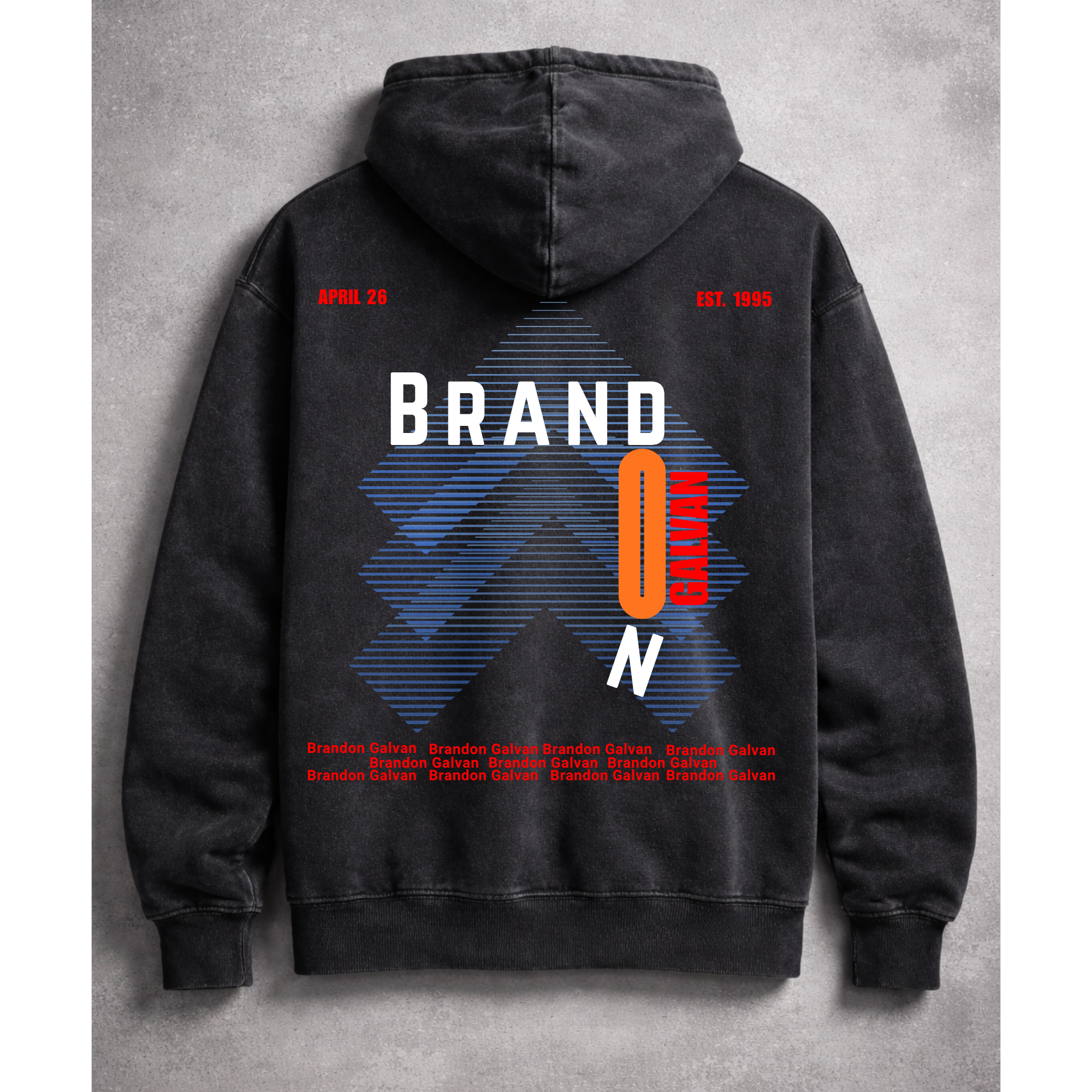
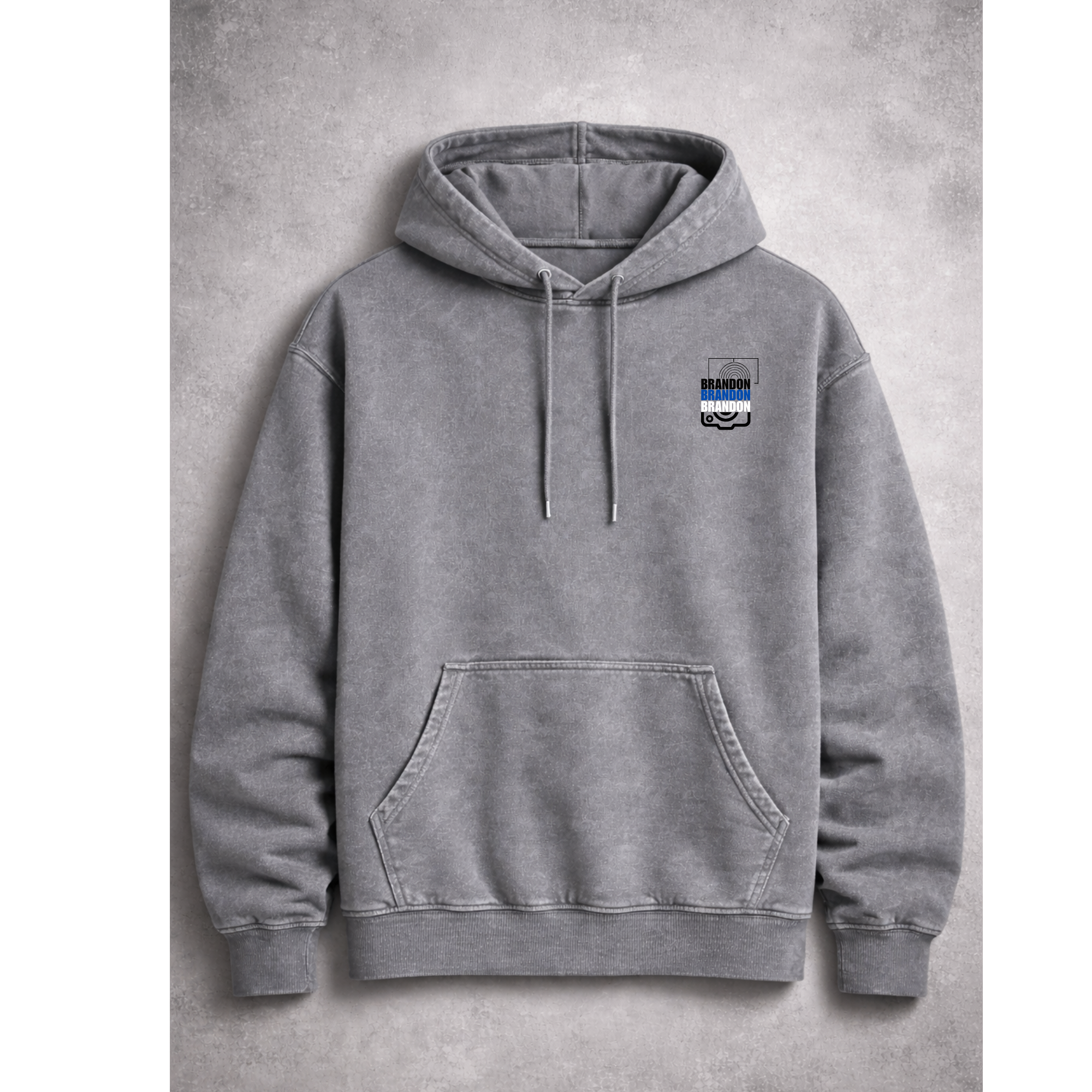
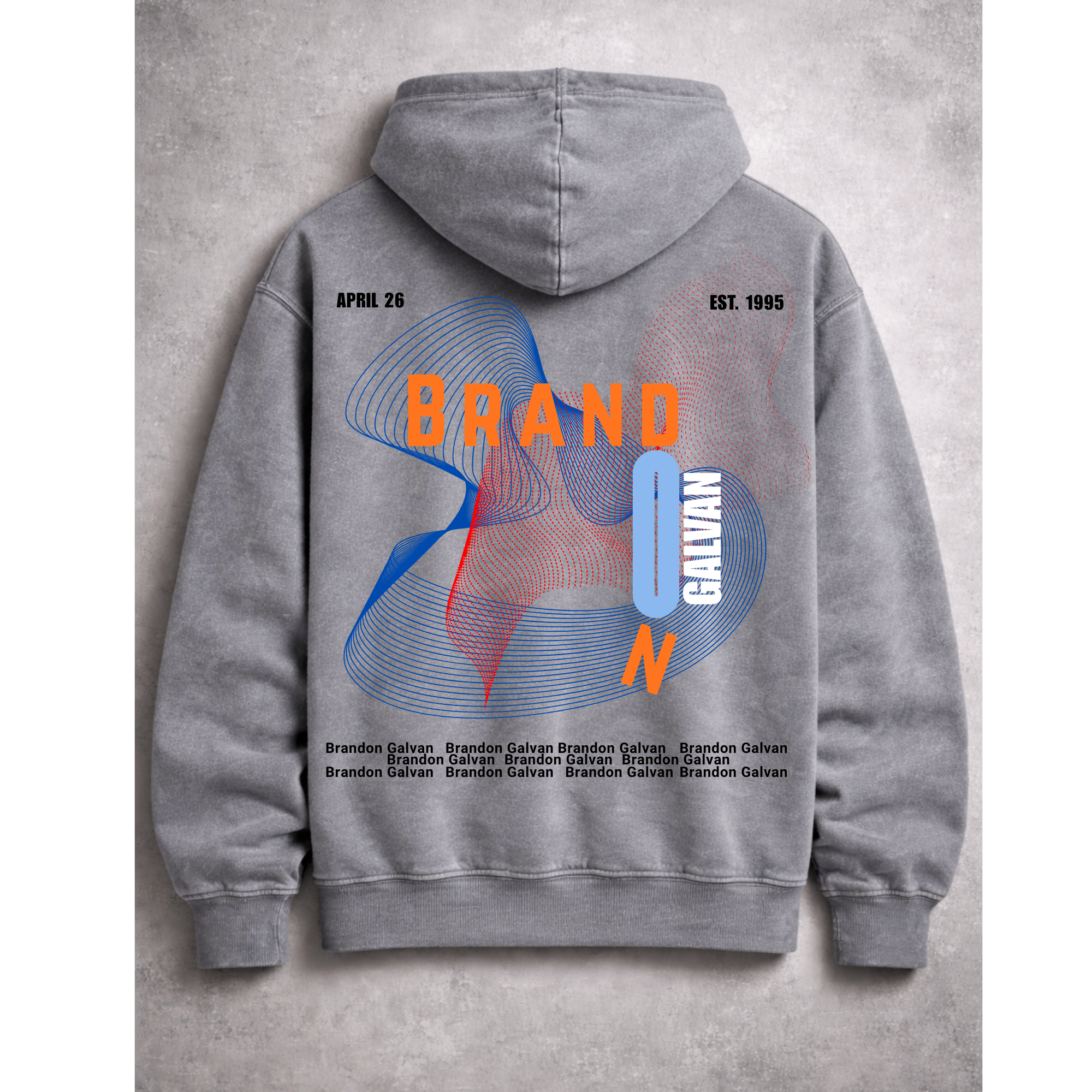
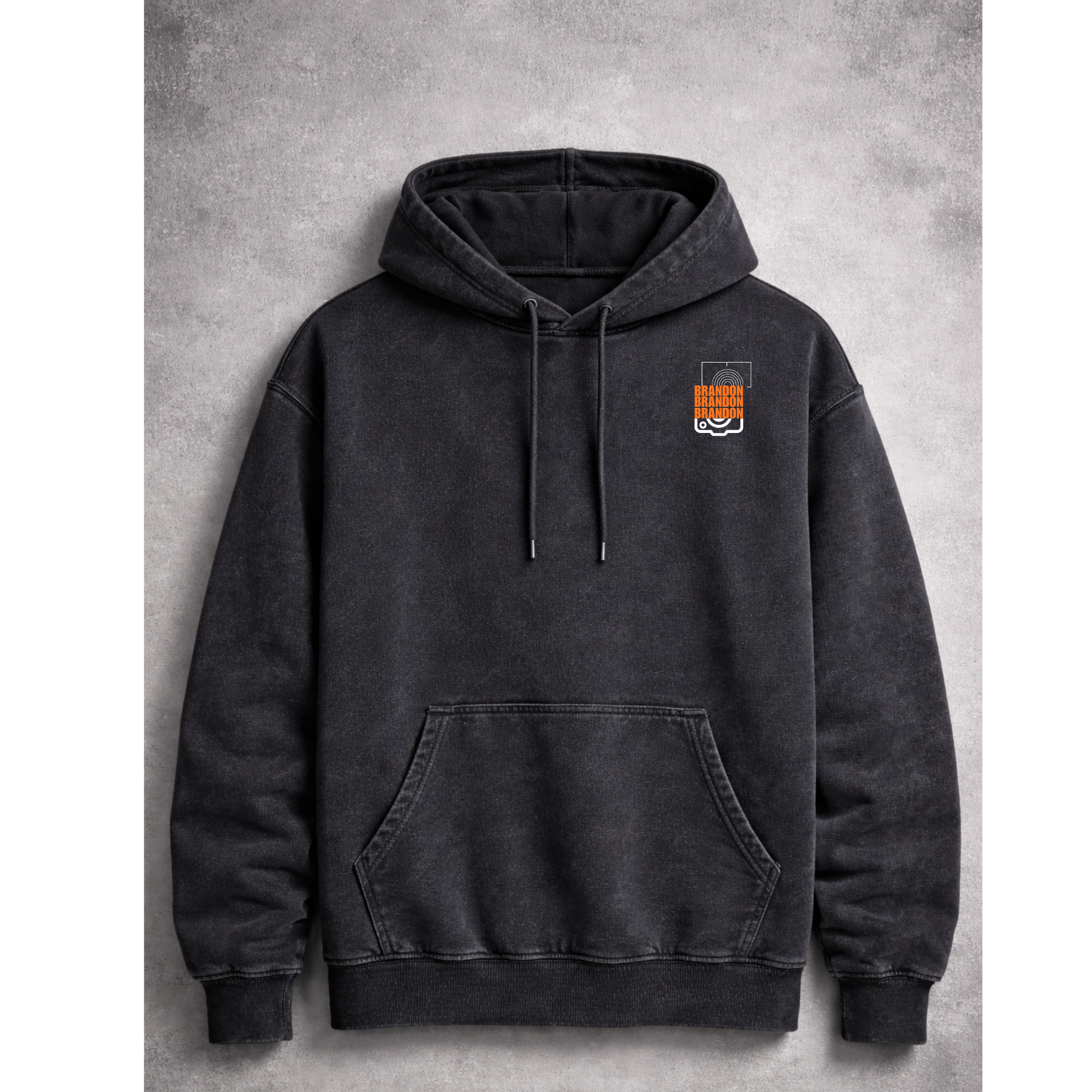
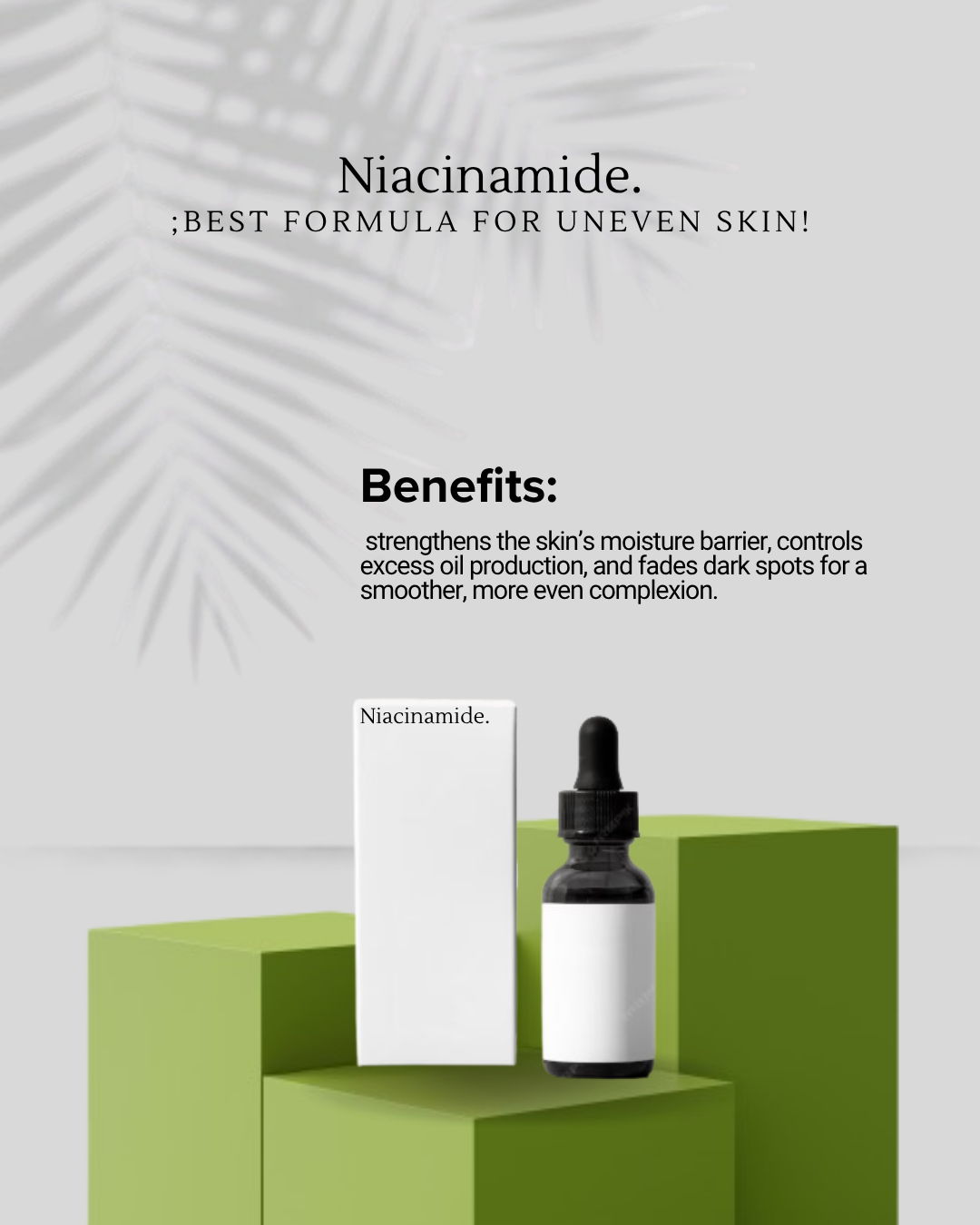
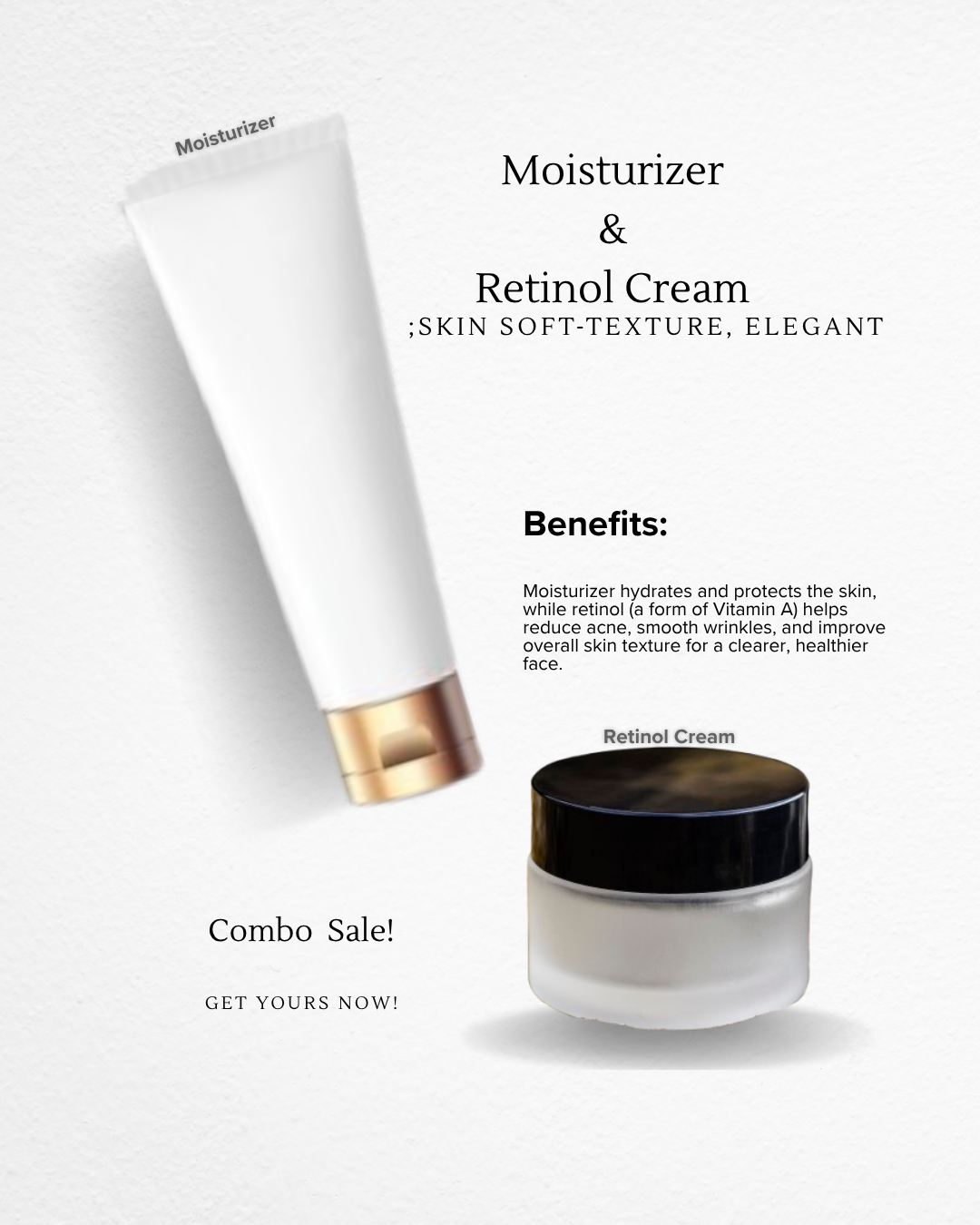
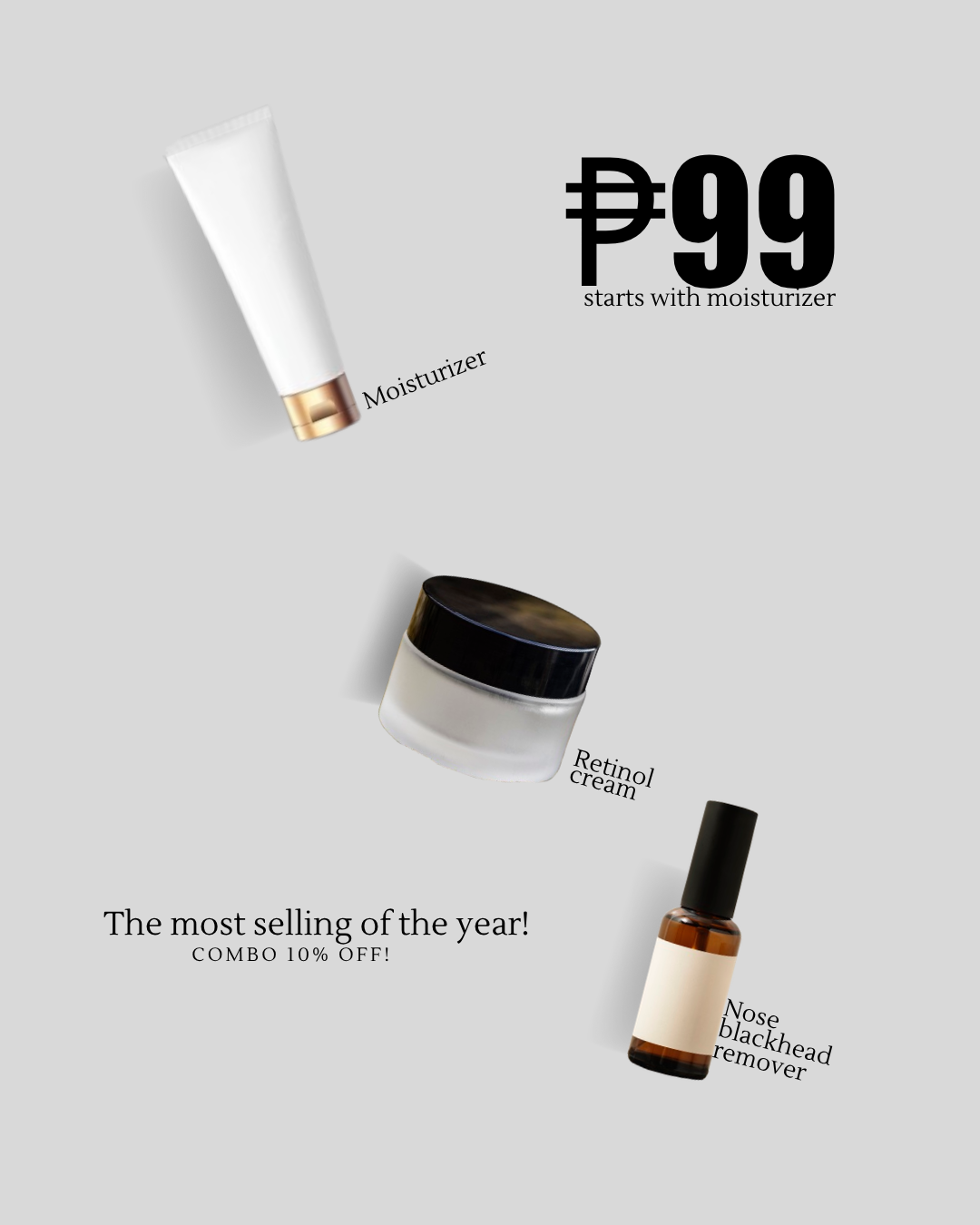
These are some of my sample works that I created while learning graphic design. I’ve been exploring different styles and techniques to improve my skills and understand how design works.
What I Do as Graphic Designer with Canva
My list of services
Basic Branding Design
I create simple logos, templates, and visual themes to give your brand a consistent and professional look.
Marketing & Promotional Materials
I design posters, flyers, and ads that are clean, attractive, and effective for promoting your products or services.
Social Media Design
I create eye-catching posts, stories, and reels covers using Canva to help boost engagement and match your brand style.
Recent Work's
Work i am proud of




what apps i used for editing & communication?
APPS I USED



3
Eleven Labs
I use ElevenLabs, an artificial intelligence tool, to create natural-sounding voiceovers, making it easy to add audio for podcasts, marketing content, and videos quickly and efficiently.
2
Canva
I use Canva to create illustrations, presentations, and colorful designs tailored for marketing needs, combining visuals, text, and layouts to produce eye-catching and engaging content.
1
CapCut
I use CapCut for basic video editing by importing clips, trimming and arranging them on the timeline, adding simple transitions, text, and background music, then adjusting speed or filters before exporting a clean, polished video.


6
FreePik!
I use Freepik to source high-quality stock photos and elements, which I use for illustrations, marketing edits, and enhancing my overall designs.
5
My Instant
I use Myinstants to add SFX audio effects like whoosh and riddle sounds, enhancing my illustrations and video edits with more engaging and dynamic audio.
4
Higgsfield AI
I use Higgsfield, an artificial intelligence tool, to convert photos into 3D or add motion effects when needed, enhancing visuals for creative and marketing content.


9
Slack
I use Slack to communicate with teams, share updates, and collaborate efficiently on projects in real time.
8
Notion
I use Notion to organize tasks, manage projects, and keep notes, helping me stay productive and structured in my work.
7
Grammarly
I use Grammarly to check grammar, spelling, and tone, helping me improve my writing for professional, clear, and polished content.


12
Dribbble
I use Dribbble to find creative inspiration, explore design trends, and showcase ideas for my illustrations and visual projects.
11
I use WhatsApp to communicate with clients and teams, share files, and stay connected for quick updates and collaboration.
10
Google Drive
I use Google Drive to store, organize, and share files, making it easy to access my work anytime and collaborate with others efficiently.
Apps I used for posting